
Software update 2.8.1 for Octalarm alarm diallers will be available shortly
Thursday 30 April 2026
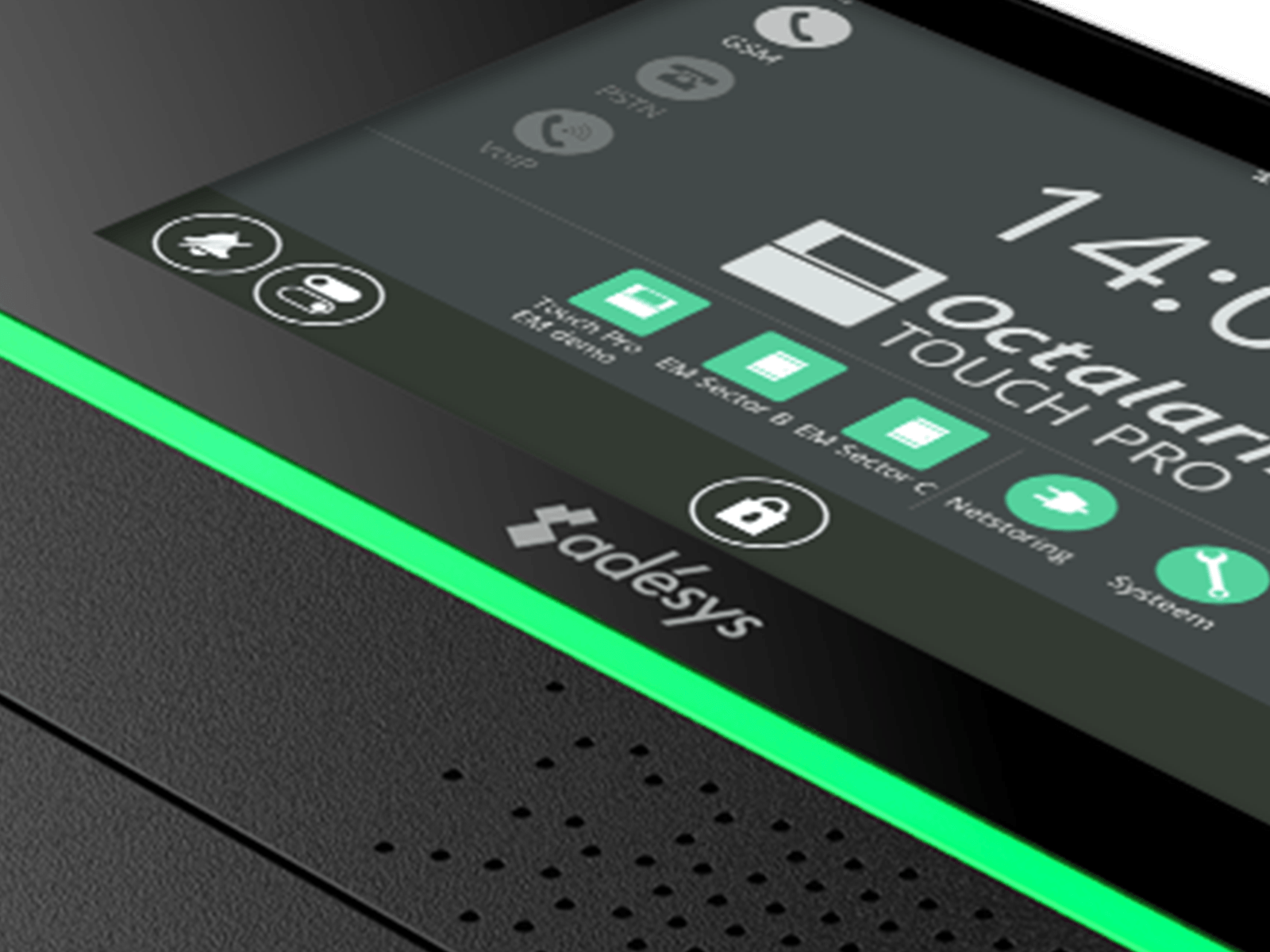
In the coming weeks, we will be releasing software version 2.8.1 for all Octalarm alarm diallers. In addition to the usual security updates, this version includes various improvements, including the new ‘Switch output’ function, the return of the large clock on the dashboard and an improved display of deactivated alarms, even on panels with more than 8 inputs.
These changes improve the product’s performance and ease of use. We therefore recommend installing this software update on all active detectors or having it installed.

 |
New feature: Switch output |
The ‘Switch output’ feature allows you to manually control an output via the dialler’s dashboard, the web interface (remote control) or the app. Once you enable this feature, the relevant output will appear next to the additional switch icon and you can control it directly.
Switchable outputs operate independently of alerts, statuses and other Octalarm functions. You can therefore always switch these outputs directly.

 |
Display of disabled alarms when there are more than 8 inputs |
Gebruikt u externe IO-modules, Dupline-modules of ARA met gekoppelde melders? Dan is er op het dashboard niet altijd voldoende ruimte om alle uitgeschakelde alarmen met grijze iconen weer te geven. In dat geval toont het dashboard een aparte knop zodra één of meer alarmen zijn uitgeschakeld. Deze knop verdwijnt automatisch wanneer alle alarmen weer zijn ingeschakeld.
In de webinterface worden uitgeschakelde alarmen altijd weergegeven met grijze indicatoren, ook bij melders met meer dan 8 ingangen.
Installing software version 2.8.1
The new software version will be made available to all devices in the coming weeks.
 The dialler must be connected to the internet to receive the update.
Users can carry out the update themselves as soon as the message “New software is available” appears on the alarm panel’s display. The update process is safe and takes approximately 15 seconds. During the update, the alarm is only briefly interrupted.
Also read
- Advance notice: we will be closed on Thursday 18 June
- Adésys achieves NIS2-SC certification (SC-30 High) and strengthens cyber resilience
- New: Siemens PLCs can now be connected to Touch Pro with Link licence via network
- Adésys achieves ISO 9001 and ISO 27001 certification
- Discover the new version of the Adésys Alarm App and the improved Octalarm portal
- New role for Marc Kooistra
- Software version 2.7.1: expansion of contact roles and support for 4 external I/O modules
- Hans Damen is retiring!
- Octalarm alarm diallers get software update (2.6.0)
- Announcement: new management and ownership Adésys